
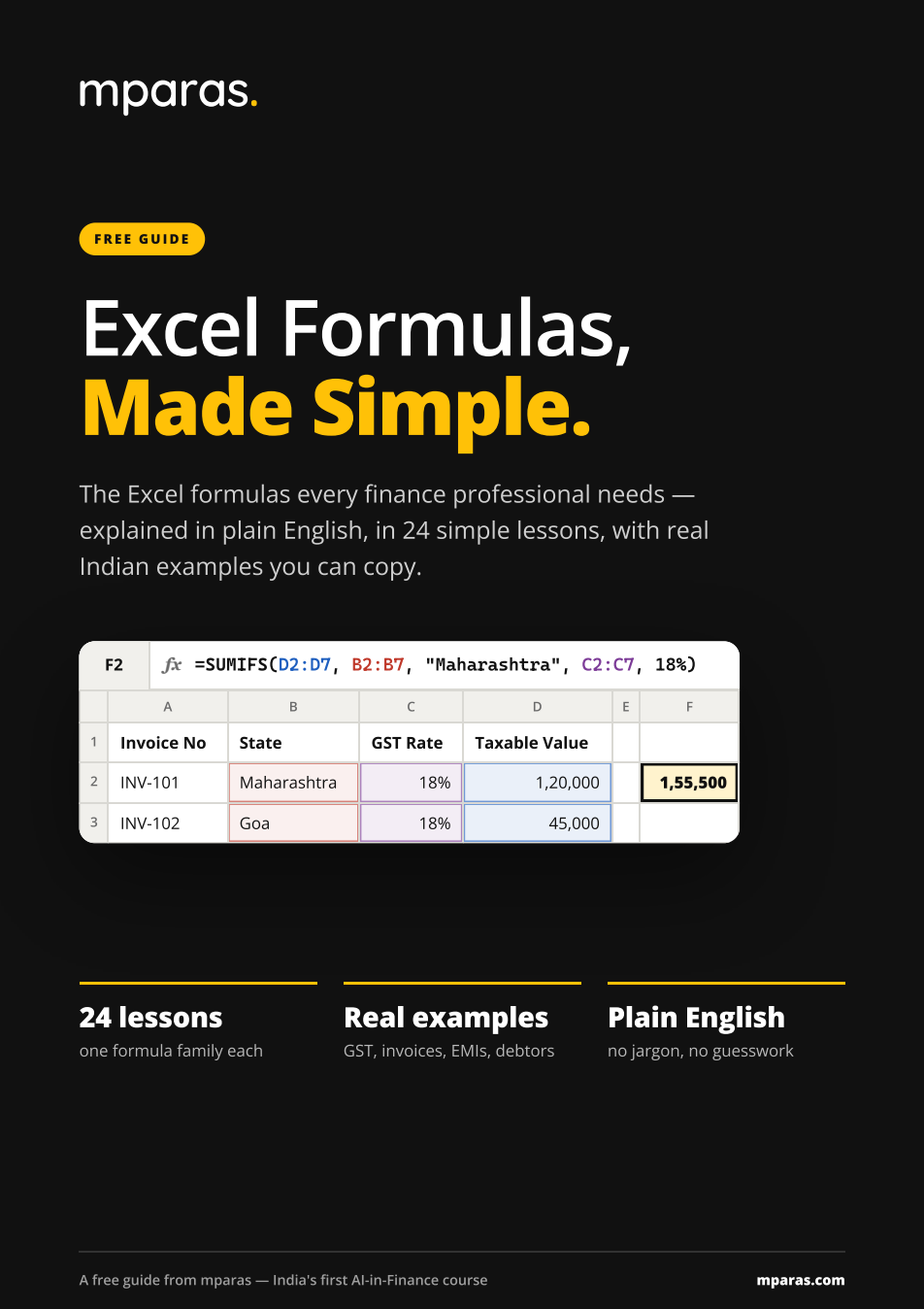
Excel Formulas PDF — with advanced Excel formulas
54 pages · 24 formulas · free PDF
Get the free PDF
We’ll email you the PDF. Privacy policy.
- 24 formulas, two pages each
- A worked example for every one
- Real GST, TDS, ageing and EMI sheets
- Excel's error messages, decoded
- A “which formula do I need?” finder
- Print-ready A4, yours to keep
A formula in MS Excel starts with =
Every formula in Excel starts with the equals sign. Type = and Excel calculates what follows; leave it out and the cell just shows your typing as text.
After it comes the function name, then brackets holding what it needs, with commas between them. The colon in a range means “to”, and text goes in double quotes.
=SUMIFS(D2:D7, B2:B7, "Goa")
Add up the amounts in D2 to D7, but only the rows where the state in B2 to B7 is Goa.
- =
- Starts every formula. Without it, Excel shows your typing as text.
- SUMIFS
- The function: what you want Excel to do.
- ( )
- Brackets hold everything the function needs.
- ,
- Commas separate each piece of information.
- D2:D7
- A range: cells D2 to D7. The colon means “to”.
- "Goa"
- Text goes in double quotes. Numbers and cell addresses don’t.
Advanced Excel formulas, without the jargon
It does not stop at SUM. The guide covers the lookups (VLOOKUP, XLOOKUP, INDEX + MATCH), conditional totals (SUMIFS, COUNTIFS), text and date work, PMT for an EMI, and the newer UNIQUE and FILTER. Every lesson names the Excel versions it works in.
=SUMIFS(D2:D5, B2:B5, "Maharashtra", C2:C5, 18%)
| A | B | C | D | E | |
|---|---|---|---|---|---|
| 1 | Invoice | State | Rate | Taxable | |
| 2 | INV-101 | Maharashtra | 18% | 1,20,000 | 1,55,500 |
| 3 | INV-102 | Goa | 18% | 45,000 | |
| 4 | INV-103 | Maharashtra | 5% | 80,000 | |
| 5 | INV-104 | Maharashtra | 18% | 35,500 |
MS Excel notes you can revise from
These are Excel notes built to be revised, not read once. Each formula gets a spread: the syntax, every argument in a line, the steps, a worked example with the answer in the cell, and the mistake that catches most people. Laid out for A4, so it prints cleanly.
Every formula in the guide
Two pages each: what it does, then a worked example on a real sheet.
The Basics
- SUM
- AVERAGE
- COUNT & COUNTA
- MIN & MAX
Rounding & Logic
- ROUND
- IF
- AND & OR
- IFERROR
Totals with Conditions
- SUMIFS & SUMIF
- COUNTIFS & COUNTIF
Lookups
- VLOOKUP
- XLOOKUP
- INDEX + MATCH
Working with Text
- & and TEXTJOIN
- LEFT, RIGHT & MID
- TRIM & PROPER
- TEXT
Dates
- TODAY
- EOMONTH
- DATEDIF
- NETWORKDAYS
Money & Modern Excel
- PMT
- UNIQUE
- FILTER
Frequently asked questions
- Is the Excel formulas PDF really free?
- Yes. Enter your email and the guide opens straight away, with a copy sent to your inbox. There is no payment, and you do not need to buy a course to use it.
- What does a formula in MS Excel start with?
- Every Excel formula starts with the equals sign (=). After it comes the function name, then brackets containing the cells or values it works on, separated by commas — for example =SUM(C2:C6). Without the =, Excel shows your typing as plain text.
- Does it cover advanced Excel formulas?
- Yes. Alongside the basics it covers SUMIFS, COUNTIFS, VLOOKUP, XLOOKUP, INDEX + MATCH, IFERROR, TEXT, TEXTJOIN, EOMONTH, DATEDIF, NETWORKDAYS, PMT, and the dynamic arrays UNIQUE and FILTER.
- Which versions of Excel do these formulas work in?
- Most work in every version from Excel 2007 onwards, including Excel for the web, Mac and Google Sheets. XLOOKUP, UNIQUE and FILTER need Microsoft 365, Excel 2021 or Excel 2024 — for older versions the guide shows INDEX + MATCH instead. Each lesson states this on its page.
- Are the examples based on Indian data?
- Yes. The examples use GST invoices and rates, TDS, debtor ageing, salary sheets, vendor masters, GSTIN and PAN, EMIs and rupee amounts written the Indian way.
- Is the guide available in Hindi?
- Not yet. It is written in short, simple English sentences that are easy to follow if English is your second language. A Hindi version is planned.
- Can I print it or share it with my team?
- Yes. It is laid out for A4 printing, and you are welcome to share it with colleagues or students. Please send them this page rather than the file, so they get the latest version.
Take the guide — 54 pages, free.
Free DownloadYou’ve got the formulas. Now let AI do the rest.
Formulas save you minutes a day. The course shows you how to build the AI tools that save you the rest of it — a collection system, an invoice reader, dashboards and email on autopilot, with zero coding.
- The principles: think like a decision-maker
- Systems, data and logic
- How software and AI actually work
- Build with AI: the projects
- Career, growth and the way ahead
- India’s financial story, 1947 to 2047
- Hours
- 12+
- AI tools built
- 15+
- Chapters
- 27
- Coding needed
- Zero
₹2,499 All-inclusive · lifetime access · completion certificate
See the courseTaught by CA Paras Mehra, a Chartered Accountant.